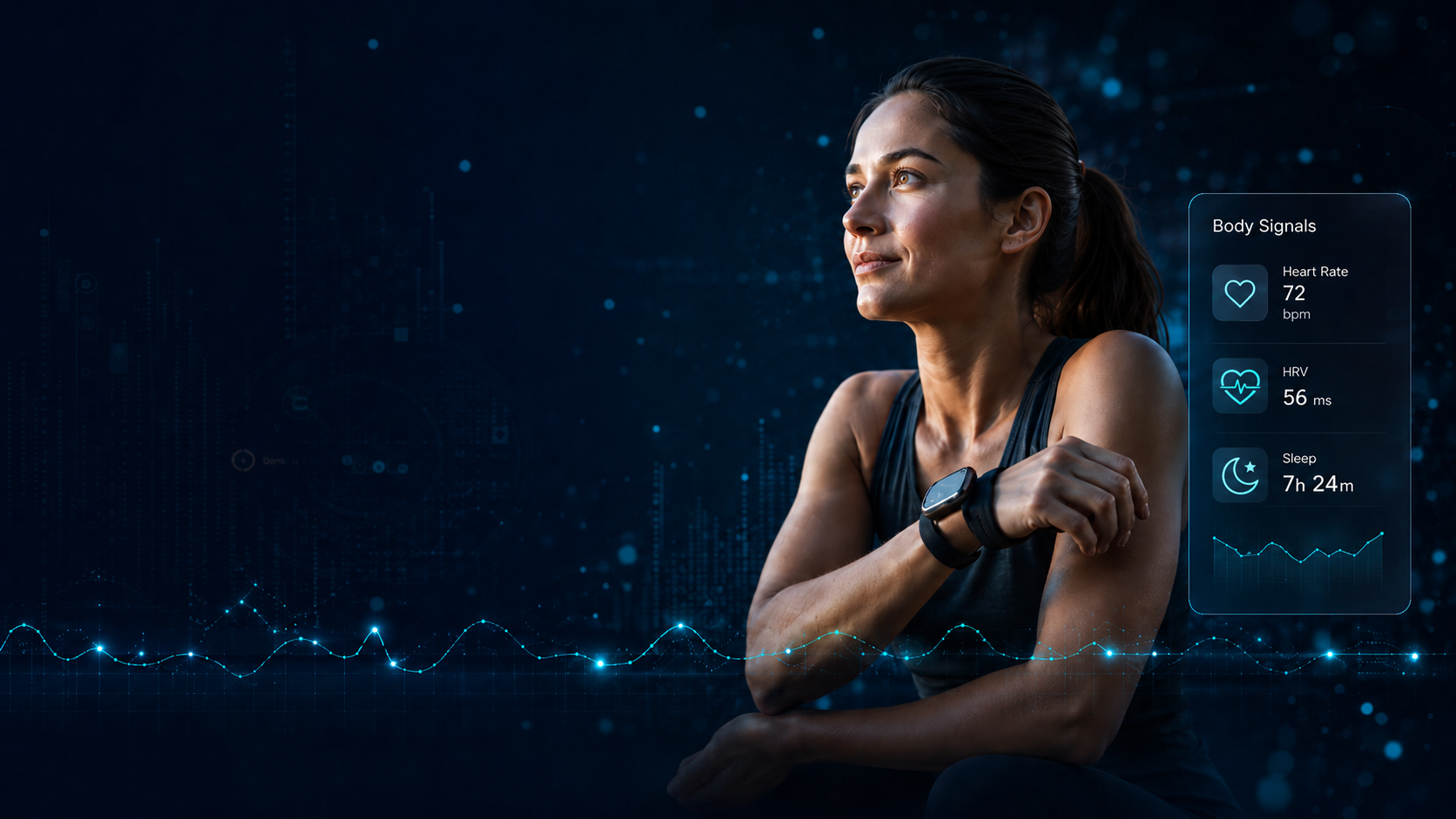
Health doesn’t wait
for the next appointment.
Better decisions start with understanding the changes that matter.

For your health
Understand your body better,
every day.
Share what matters, when it matters.

For Partners
Actionable insights.
Stronger relationships.
Better outcomes.
For the moments that matter
Every health journey leaves clues. Context helps connect them.
Your health data is everywhere
in diagnosis, in lab results,
on wearables and in your phone
DreamDoc connects the dots. We translate your unique data into clear, simple answers, available 24/7.
How it works

1. Connect
Connect your Garmin Wearables and allow our Apps to collect data from your daily routines.
2. Collect
Your data is securely collected, together with medical history and your personal lifestyle and habits.
3. Explain
We turn detailed, complex data into clear personal explanations you can act on.
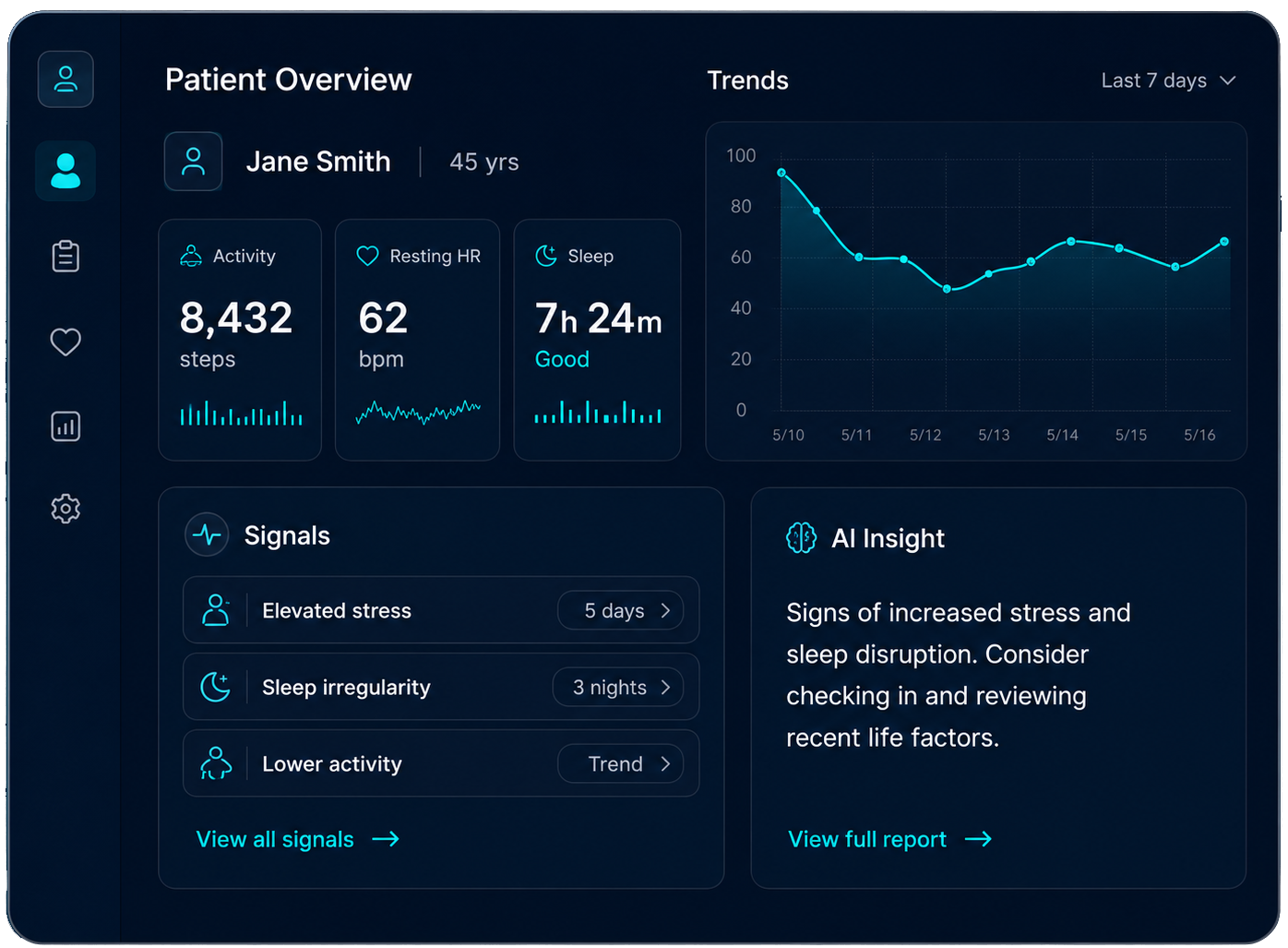
Know the patient before they arrive.
Stay connected after they leave.
Turn real life data into better patient journeys.
Convenient monitoring
of real-world signals between visits.
All medical history and lifestyle context connected.
Detecting actionable insights – improving outcome

OUR STORY
Born from clinical studies.
Built on real human data.
DreamDoc began in research labs and clinical studies, where we saw the power of continuous physiological data to reveal what appointments can’t.
We build DreamDoc to bring that power to everyday life so every person and every care team has the insights they need, when they need them.
Health doesn’t wait.
Neither should you.
Join thousands already using data to feel better, live better, and deliver better care.