Body Baselines and more app icon

DreamDoc Garmin Connect IQ Guide

myBaselines
Body Baselines and more

The watch app that turns your Garmin night data into personal body and sleep baselines, then links them to DreamDoc for better reports and history.

What this app really does

myBaselines is not a single measurement button. It is a small dashboard for your personal Garmin baseline. The app needs several synced nights first, then it can show whether today is normal for you.

Report

A short morning baseline report. It explains what stands out after last night, if enough data is available.

Body Data

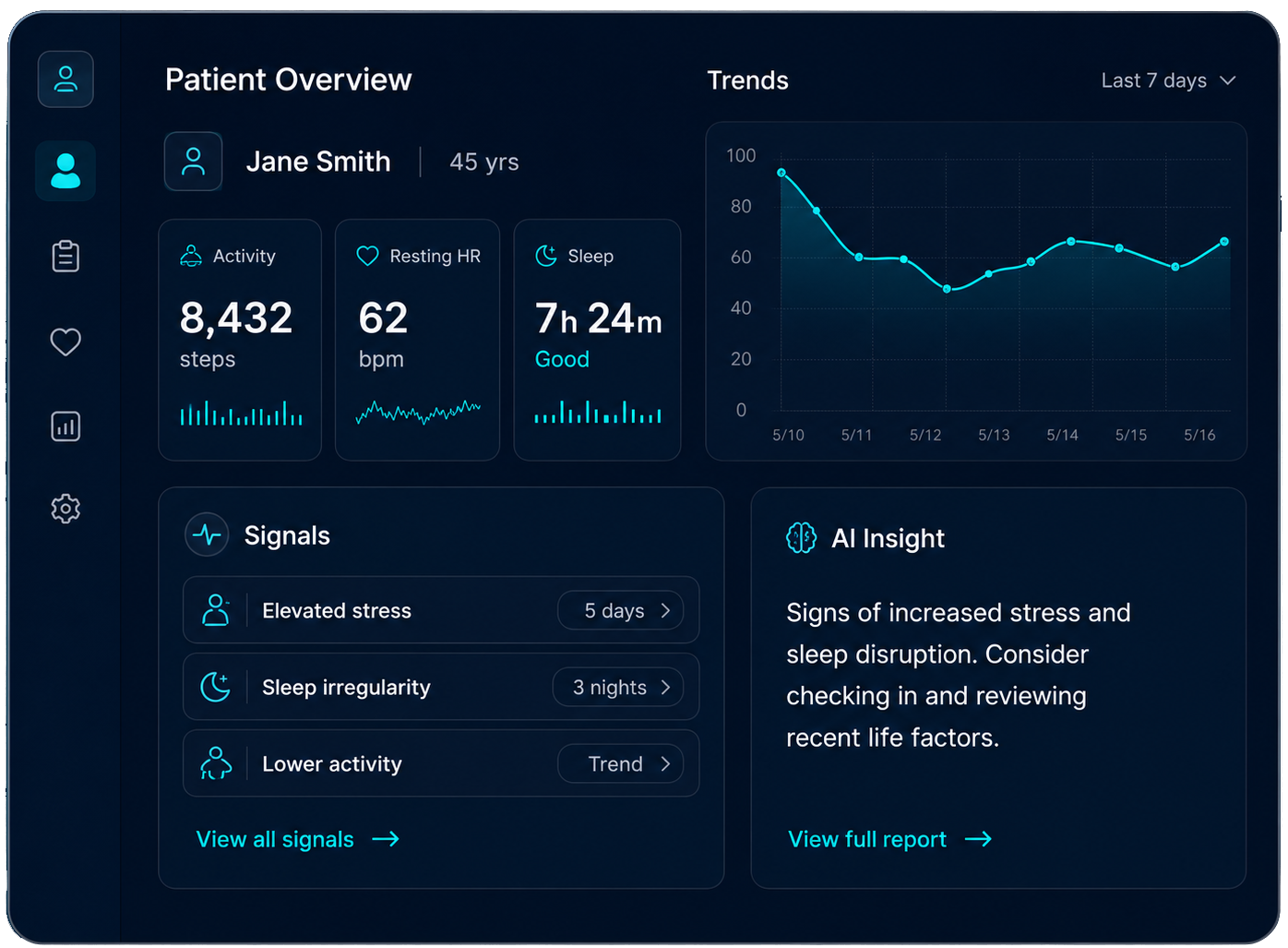
Resting heart rate, stress and respiration trendlines compared with your own baseline line.

Sleep Data

Sleep-related baseline views. Useful when fatigue, stress or recovery changes over several nights.

DreamDoc morning baseline report screenshot
Real morning report: personal ranges for sleep, HRV, sleeping HR, stress and respiration.
Body baseline watch graph screenshot
Real Body-BL watch screen: heart rate, stress and respiration trendlines vs baseline.

How to use it properly

  1. 1
    Install the correct app: in Garmin Connect IQ, install Upgrade your Garmin with more Intelligence / Body Baselines and more. On the watch it appears as myBaselines / My-Baselines.
  2. 2
    Connect DreamDoc once: open Setup → Connect DreamDoc. The watch requests a code. Enter the code at login.dream-doc.com. If you do not have an account, scan the register QR shown by the app.
  3. 3
    Wear the watch overnight: the app needs real night data, especially heart rate, stress, respiration and sleep. A loose watch, charging overnight, or missing sleep detection will delay the report.
  4. 4
    Sync in the morning: open Garmin Connect on the phone and keep the watch near it. If the watch says “Smartphone Link missing” or “Check your Phone”, the data is not reaching DreamDoc yet.
  5. 5
    Wait for enough coverage: DreamDoc starts building useful baselines after several valid nights. The app may show “Building your baseline report”, “No data yet”, or “3 nights required” until enough data has arrived.
  6. 6
    Use the trend, not one number: compare today with your own history. The baseline line is personal. A single bad night matters less than repeated movement in heart rate, stress, respiration or sleep.

What to take care of

Good data habits

  • Wear the watch snugly at night, not over the wrist bone.
  • Let Garmin detect the main sleep automatically.
  • Open Garmin Connect after waking up so sleep and epoch data sync.
  • Do not judge recovery from one isolated night. Look at repeated changes.

If the report is missing

  • “No data for last night” means the last night was not usable or not synced yet.
  • “Baselines unavailable” usually means phone link, server, or sync is missing.
  • Open Garmin Connect, keep Bluetooth on, and retry from the watch.
  • DreamDoc can retry pending morning reports after late Garmin data arrives.

Why connecting DreamDoc is the benefit

Without DreamDoc, the watch app has limited context. With DreamDoc connected, your Garmin night data is processed into longer trendlines and a morning report. DreamDoc compares last night to your own history, not to generic population averages.

The report uses different time windows: recent nights for short-term changes, around 28 nights for “normal for me”, and a longer lookback for your strongest nights. That is why the DreamDoc report is more useful than only reading one Garmin number.

Message you may receive

Morning baseline report: sent when a valid night is available and email is enabled for the myBaselines app. It summarizes sleep/body signals and highlights what changed. If the night data is incomplete, DreamDoc may send a short sync reminder asking you to open Garmin Connect.

Related DreamDoc pages

Published Garmin Connect IQ apps

DreamDoc · myBaselines user guide Designed for desktop, smartphone and print